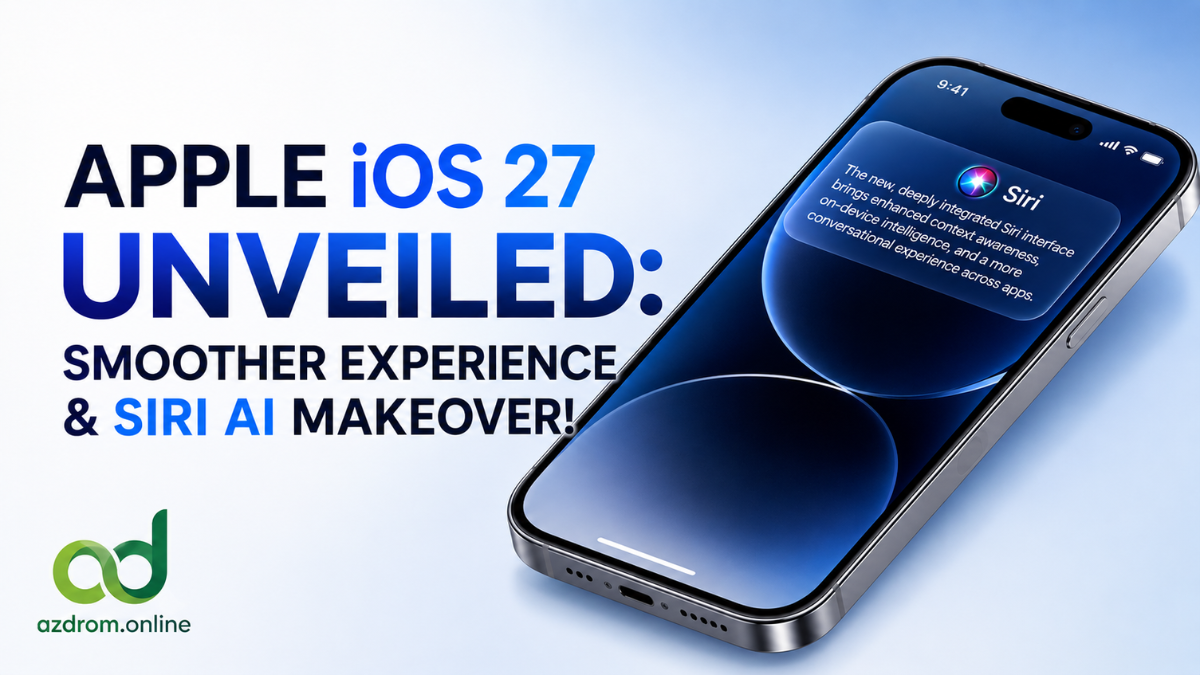
Apple has officially kicked off its WWDC 2026 keynote, introducing the highly anticipated iOS 27. Instead of introducing flashy visual overhauls, Apple has taken a “Snow Leopard” approach this year. The tech giant focused heavily on deep system optimization, cleaning up code, improving battery life, and delivering a massive upgrade to Apple Intelligence through a completely reimagined Siri.
Here is a detailed breakdown of everything new coming to your iPhone with iOS 27.
The Siri AI Revolution: A Truly Smart Virtual Assistant
The biggest highlight of iOS 27 is the complete rebuilding of Siri from the ground up, deeply integrating Apple Intelligence to understand personal context.
- Dedicated Siri App: Siri now features a standalone application where users can manage past conversations, pin important queries, and sync everything seamlessly via iCloud across iPhone, iPad, and Mac.
- On-Screen Awareness: The new assistant can perceive what is currently on your screen. For instance, it can directly edit a recently sent message or instantly add a playing song to your Apple Music playlist.
- Camera Visual Intelligence: A new “Siri Mode” inside the native Camera app allows users to scan food nutrition labels directly into the Health app or instantly create a contact from a business card.
- Write with Siri: This generative AI tool helps compose and draft text anywhere across the system, automatically adjusting the tone, style, and punctuation based on the user’s writing habits.
Siri also receives a brand-new animation triggered via the Dynamic Island, featuring a sleek Dark Mode cursor interface. Users can now fully customize Siri’s voice, speech speed, and emotional expression. Note that the advanced Siri AI features will initially launch in English later this year.
Liquid Glass Interface and New Notification Gestures
While the overall design remains familiar, Apple has refined its “Liquid Glass” interface. The transparency layers are now more uniform, offering better reflection and higher contrast for improved outdoor readability.
A new system-wide slider allows users to manually adjust the transparency of these liquid glass elements, ranging from “ultraclear” to “fully tinted/frosted” for icons and control panels.
A Major Notification Change: In iOS 27, the Notification Center is now accessed by swiping from the left edge of the screen instead of swiping down from the top. Apple shifted this gesture to clear the top area entirely for Siri animations and Dynamic Island activities.
“Snow Leopard” Level Performance and Stability
The core strength of iOS 27 lies in its hardware optimization. Apple has tuned the CPU scheduler to ensure maximum efficiency. According to Apple’s official benchmarks:
- App launching speeds are up to 30% faster.
- Photo loading in the library is up to 70% faster.
- File transfer speeds via AirDrop have improved by 80%.
These deep code optimizations promise smoother transitions between Wi-Fi and cellular networks, significantly fewer system bugs, and noticeably longer battery life.
Key Updates to Default Apps
Apple has also packed several practical features into its stock applications:
- Photos App: Features Spatial Reframing to adjust photo framing post-capture, an upgraded Clean Up tool for natural object removal, and an AI-powered Extend tool to expand images.
- Safari Browser: Automatically groups tabs by specific topics and introduces a Notify Me feature to track website changes (such as price drops).
- Passwords App: Can now detect and fix weak or compromised passwords with a single tap.
- AirPods Custom EQ: Users can now manually adjust bass, mid, and treble frequencies according to their audio preferences.
- Home App: Uses AI to aggregate activity notifications, auto-describes HomeKit camera footage, and supports 4K camera streaming.
Child Safety, Accessibility, and Supported Devices
For family safety, iOS 27 adds Ask to Browse, allowing parents to approve new websites via Messages. The Communication Safety filter has also been expanded to protect children from sensitive content. Furthermore, Apple now officially recommends that children under 13 should not use social media platforms.
In terms of Accessibility, VoiceOver now offers richer image descriptions, Action Button integration, a new Magnifier tool for visually impaired users, and a synchronized auto-translated subtitle system.
iOS 27 Compatibility List:
Great news for users—the device compatibility list remains unchanged from the previous year. The update supports iPhone 11 series and newer, including:
- iPhone 11, 12, 13, 14, 15, 16, and 17 Series
- iPhone SE (2nd Generation and later)
Official Release Timeline
The Developer Beta for iOS 27 is available for download starting today. The Public Beta will be rolled out for registered testers in July 2026. The final, stable public release is scheduled for September 2026, launching alongside the next-generation iPhone lineup. The specialized English Siri AI features will follow later in the winter.