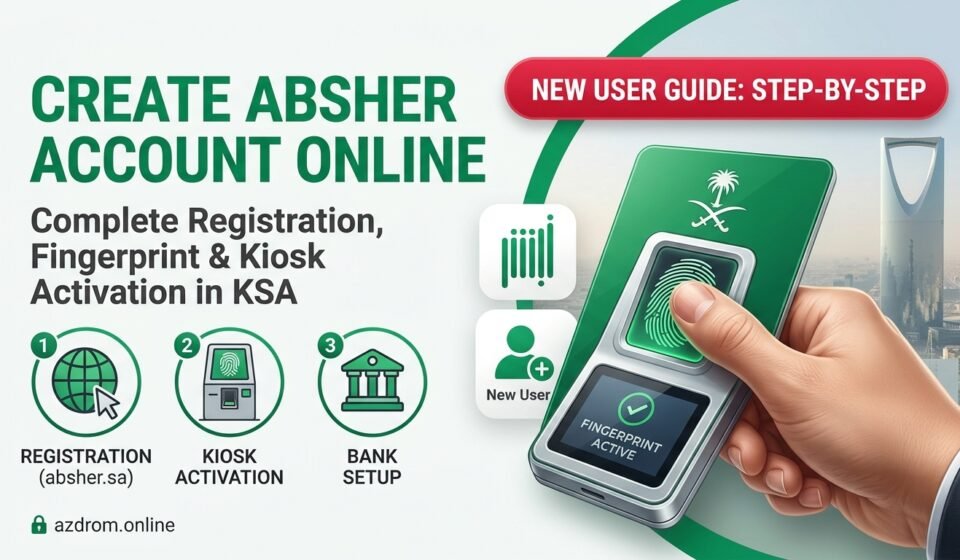

If you are living or working in Saudi Arabia, having an active Absher (أبشر) account is essential. Whether you need to check your Iqama expiry, renew your residence permit, issue an exit/re-entry visa, or check traffic violations (Muroor), everything is managed through the Absher portal.create absher account online.
If you are new to the Kingdom or haven’t set up your account yet, this comprehensive step-by-step guide will walk you through the entire registration and activation process.
Pre-Requisites: What You Need Before Starting, create absher account online
Before you begin the online registration, make sure you have the following ready:
- Valid Iqama Number / Border Number: Your 10-digit identification number.
- Active Saudi Mobile Number: The mobile number must be officially registered under your own Iqama.
- Valid Email Address: For receiving notifications and account recovery.
Step 1: Online Registration on the Absher Portal
The first step is to register your details on the official Absher website:
- Visit the Official Website: Open your browser, go to
absher.sa, and select Absher Individuals (أبشر أفراد). - Click on New User: Right below the login box, click on “New User” or “Create Account”.
- Fill in Your Personal Details:
- ID / Iqama Number: Enter your 10-digit number.
- Mobile Number: Enter your Saudi mobile number (e.g.,
05xxxxxxxx). - Username: Choose a unique username using English letters and numbers (at least 8 characters, no spaces or special characters).
- Password: Create a strong password containing uppercase, lowercase letters, and numbers.
- Email Address: Enter your active email.
- Complete Verification: Enter the image verification code, accept the terms and conditions, and click Next.
- OTP Verification: You will receive a 6-digit OTP code on your registered Saudi mobile number. Enter it to confirm your registration.
Step 2: Account Activation (Biometric Verification)
Once the online form is submitted, your account remains inactive until your fingerprints (biometrics) are verified in the system. You can activate your account using any of these three quick methods:
Method 1: Self-Service Kiosk Machines (Fastest)
- Visit any Absher Self-Service Kiosk located in major shopping malls, airports, or Jawazat (Passport) offices.
- Select English on the screen and insert your Iqama Number.
- Follow the on-screen instructions to scan your fingerprints. The system will activate your account instantly within 2 minutes.
Method 2: Online Banking Apps
If you have a bank account with any major Saudi bank (such as Al Rajhi, SNB, Alinma, or STC Bank):
- Log in to your mobile banking app.
- Go to the Services / E-Services section.
- Look for “Absher Activation” and follow the prompts to sync your bank biometric data with Absher.
Method 3: Jawazat or Civil Affairs Offices
If you face issues with the kiosk or banking apps, visit your local Jawazat office where staff can manually verify your fingerprints and activate your account.
Frequently Asked Questions (FAQs)
Q: Can I create an Absher account without a Saudi mobile number?
No, a Saudi mobile number registered under your own Iqama is mandatory because an OTP verification code is required for login and transactions.
Q: What should I do if I forget my Absher password?
Go to the Absher login page, click on “Forgot Password”, enter your Iqama number and registered mobile number, and follow the reset instructions.