
It happens to the best of us—you buy a new Mobily data or voice SIM card for your phone or router, insert it, and completely forget the actual phone number. Whether you need to share your number for a delivery or top up your balance via Absher or bank apps, finding your SIM number quickly is essential.How to Create an Absher Account Online in Saudi Arabia (Step-by-Step Guide)
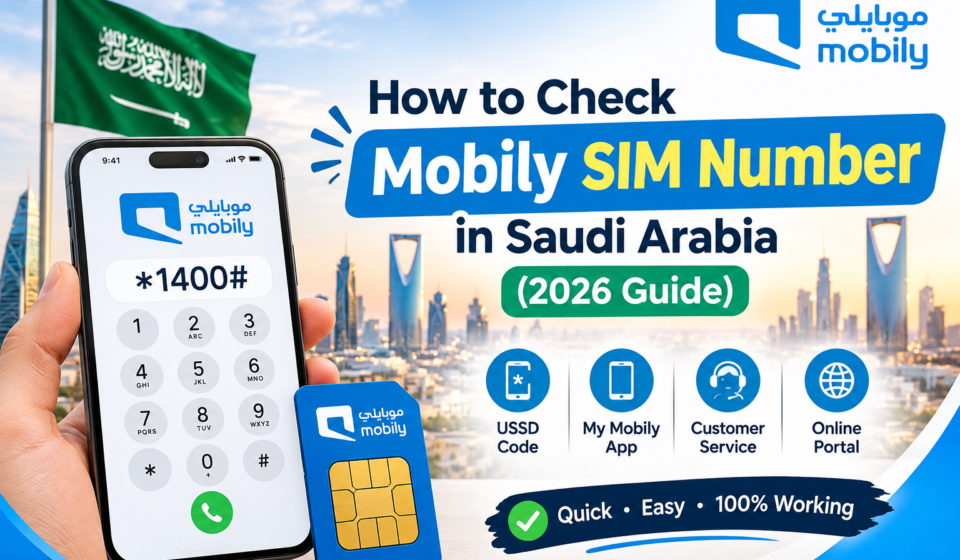
In this comprehensive guide, we walk you through the easiest, tested methods to perform a Mobily sim number check in Saudi Arabia.
Method 1: The Fastest USSD Code (*222#)
The quickest way to find your Mobily SIM number without needing an internet connection is by using the official USSD code.
- Open the Phone Dialer app on your mobile device.
- Dial code:
*222# - Press the Call button.
- Your Mobily phone number will instantly appear on your screen as a pop-up message.
Method 2: Check via SMS (Send “1” to 1411)
If the USSD code is delayed or fails due to network congestion, you can use the SMS method:
- Open your messaging app and start a new message.
- Type the number
1in the message body. - Send it to
1411. - You will receive an automated reply text containing your active Mobily SIM details and phone number.
Method 3: Using the Official Mobily App
If your SIM is inserted inside a smartphone where you have internet data enabled:
- Download and open the mystc / Mobily App from the Google Play Store or Apple App Store.
- Log into your account or register using your profile details.
- Your active mobile phone number will be displayed directly on the home screen or account dashboard.
Method 4: Call Another Phone or Helpline
- The Caller ID Trick: Call a friend’s or family member’s phone sitting next to you; your number will flash on their caller ID screen.
- Call Mobily Customer Care: Dial 1100 from your Mobily line and follow the automated voice instructions or speak to a representative to verify your profile details.
Frequently Asked Questions (FAQs)
*Q1: Is there any fee for dialing 222#?
A: No, checking your Mobily number using the USSD code *222# is completely free of charge.
Q2: How can I check all SIM cards registered under my Iqama?
A: You can log into the official CST (CITC) Arqami Portal using your National ID or Iqama to view all active voice and data lines registered under your name.